25 Simple Paper Organization Ideas for 2026
I’ve always found paper clutter to be one of the biggest challenges in staying organized at home and work. Over time, I’ve tested numerous strategies and systems that keep paperwork manageable without adding stress. In this article, I’ll share 25 simple paper organization ideas for 2026 that really work for me.
Key Takeaways
- Create a dedicated inbox to quickly corral new papers daily
- Use color-coded folders to categorize projects and bills
- Digitize important documents to reduce physical clutter
- Establish a regular filing routine to stay consistent
- Repurpose everyday items like magazine holders for paper storage
1. Set Up a Dedicated Paper Inbox
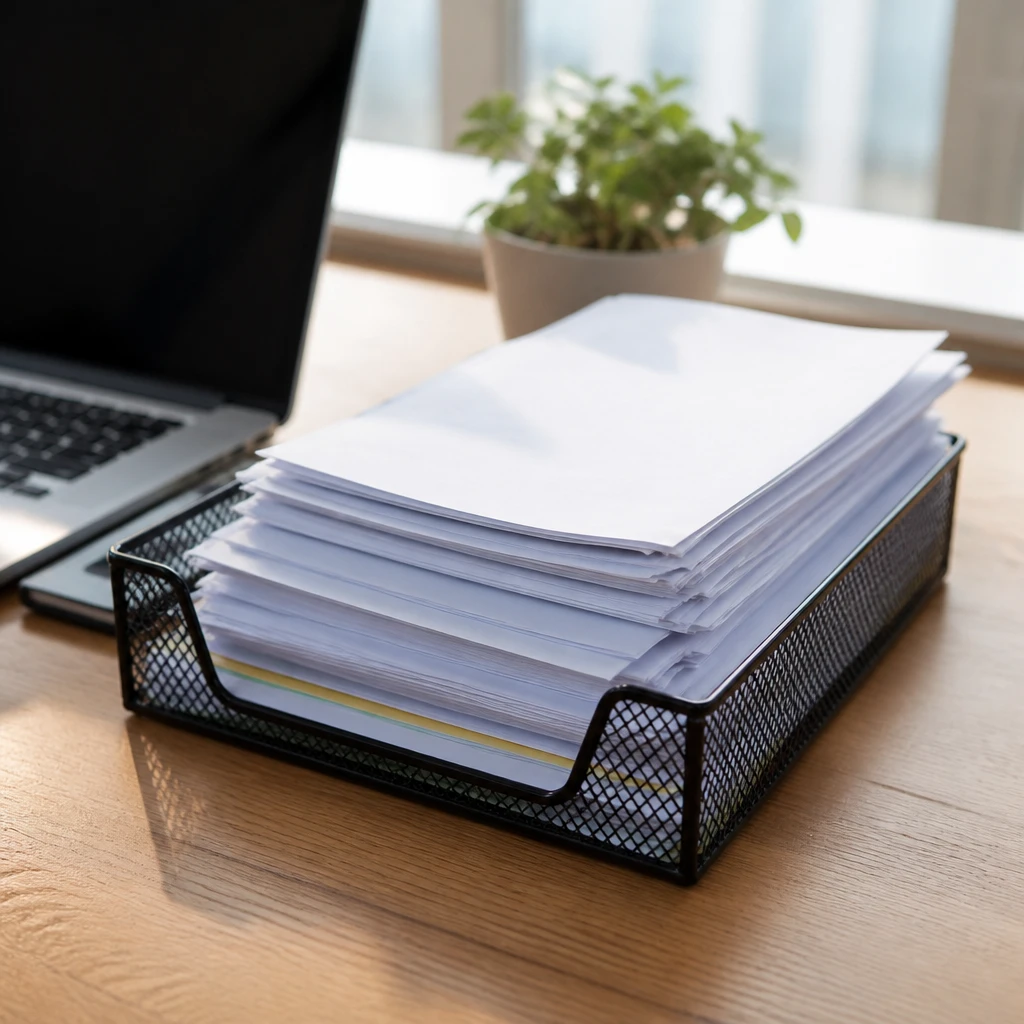
I start every day by placing all incoming papers into a dedicated inbox tray. This habit prevents loose papers from scattering and gives me a centralized spot to review what needs attention. It saved me so much time hunting down misplaced bills or notes.
Pro Tip: Designate one inbox location for every paper that enters your space.
2. Use Clear File Folders for Easy Viewing
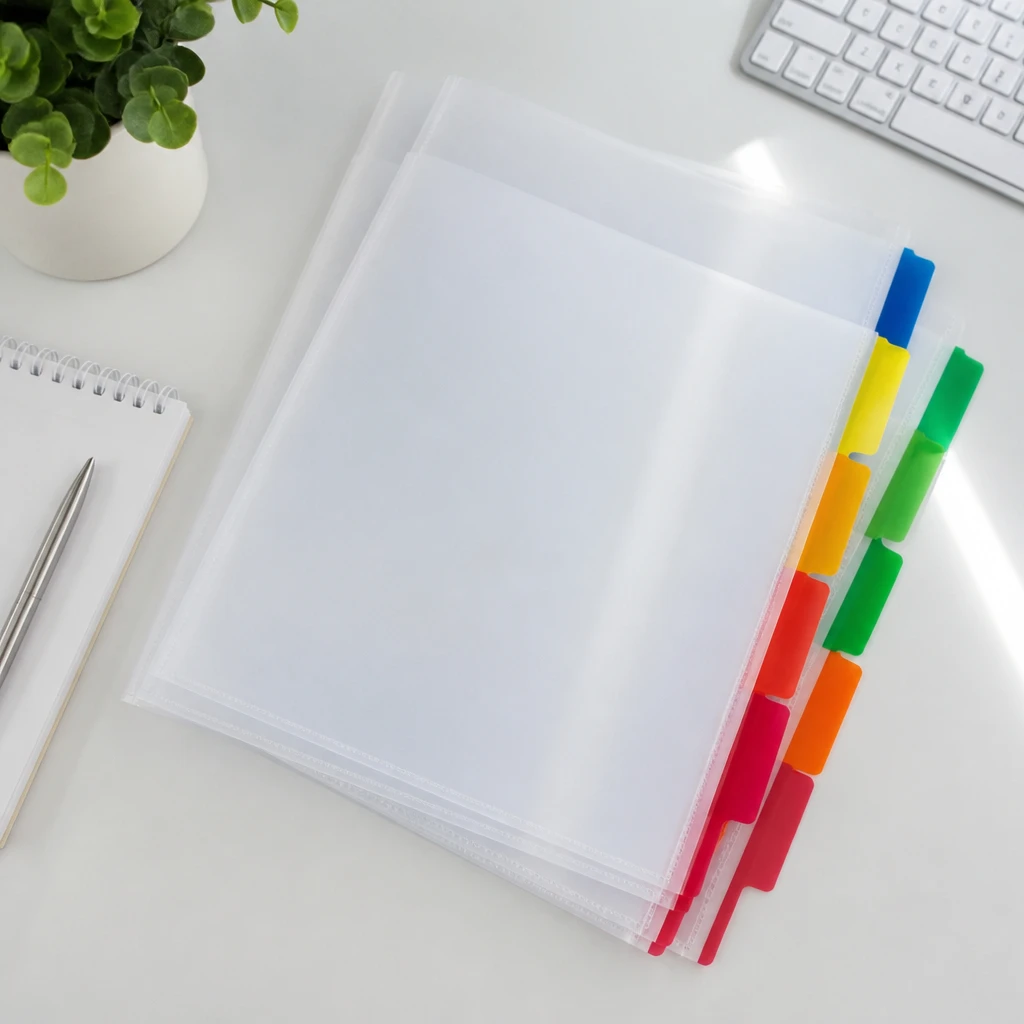
I prefer clear file folders because they make it easy to see the document titles without opening each one. This reduces the time I spend searching and maintains an organized visual flow. Using clear folders also encourages me to keep content minimal and relevant.
Insight: I find clear folders reduce decision fatigue when sorting papers.
3. Create Color-Coded Systems
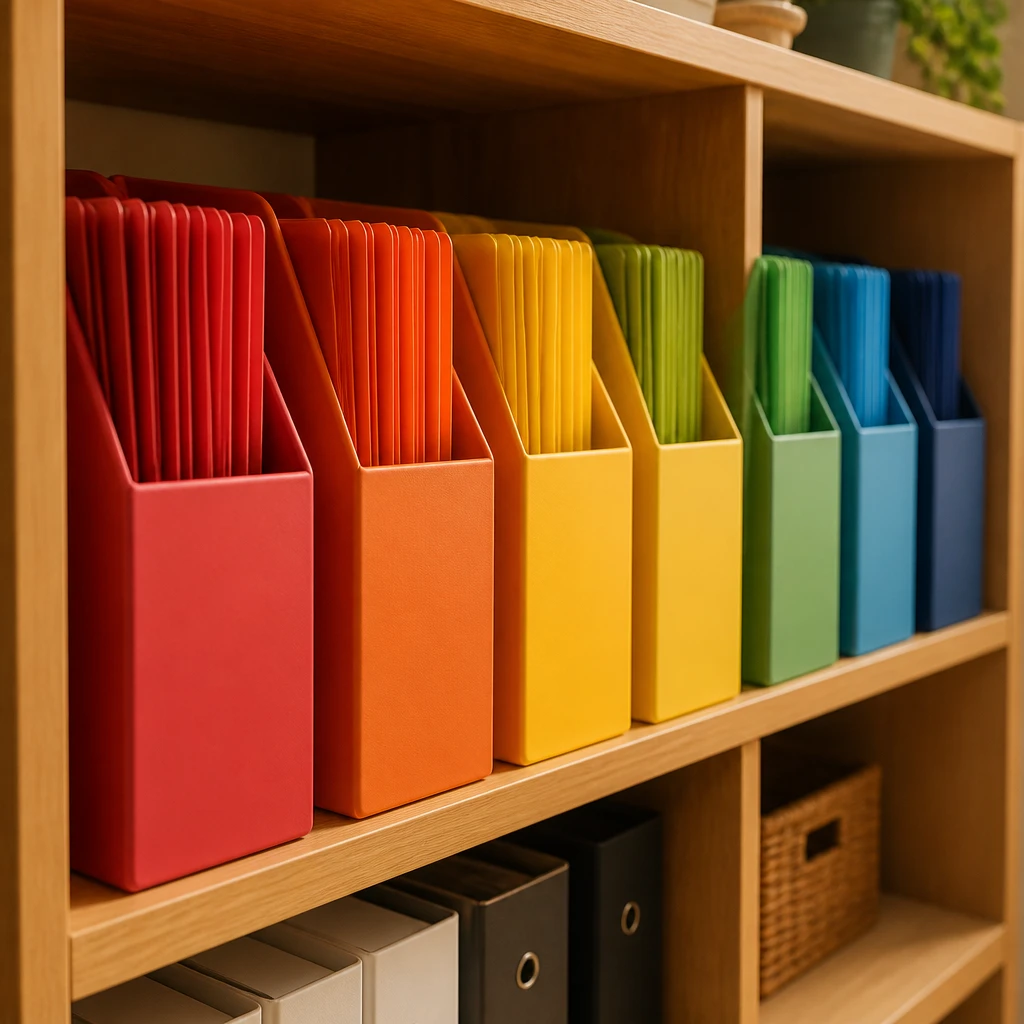
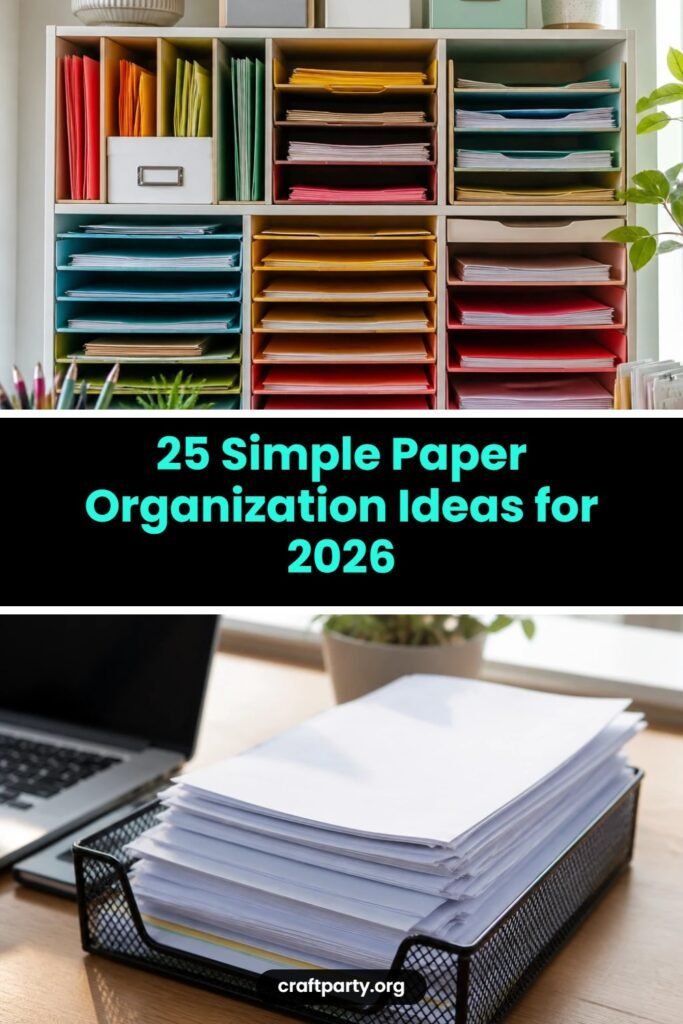
Assigning each type of paperwork its own color helps me instantly identify categories like bills, receipts, or school papers. I buy colored folders and labels to match my system which increases my sorting speed. This simple trick brought immediate order to my chaotic drawer.
Pro Tip: Match folder colors with paper categories for visual sorting.
4. Digitize Important Documents
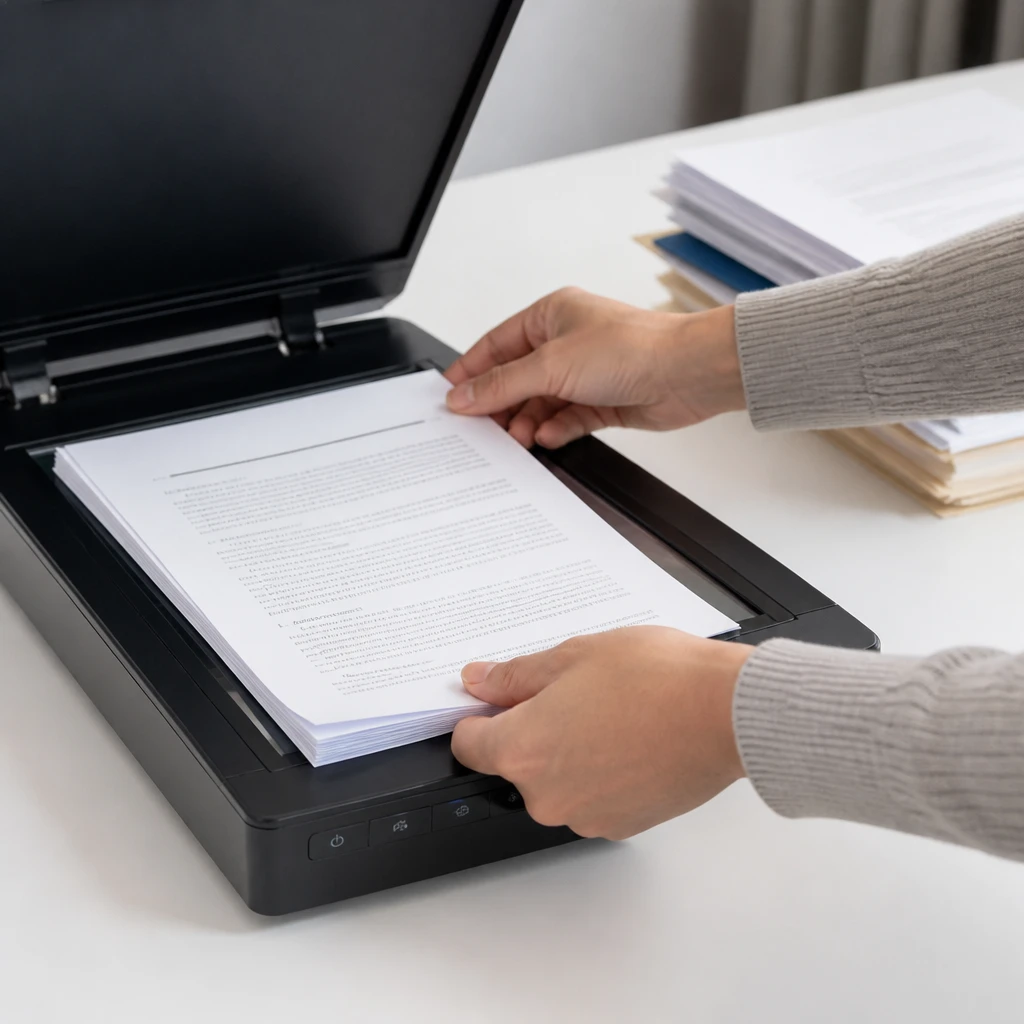
Whenever possible, I scan critical papers and store them digitally with clear file names. This dramatically reduces my physical clutter and makes retrieving documents faster. I’ve found apps that auto-crop and enhance scans especially helpful for legibility.
Fact: Digitizing can reduce paper clutter by up to 60%.
5. Label Everything Clearly
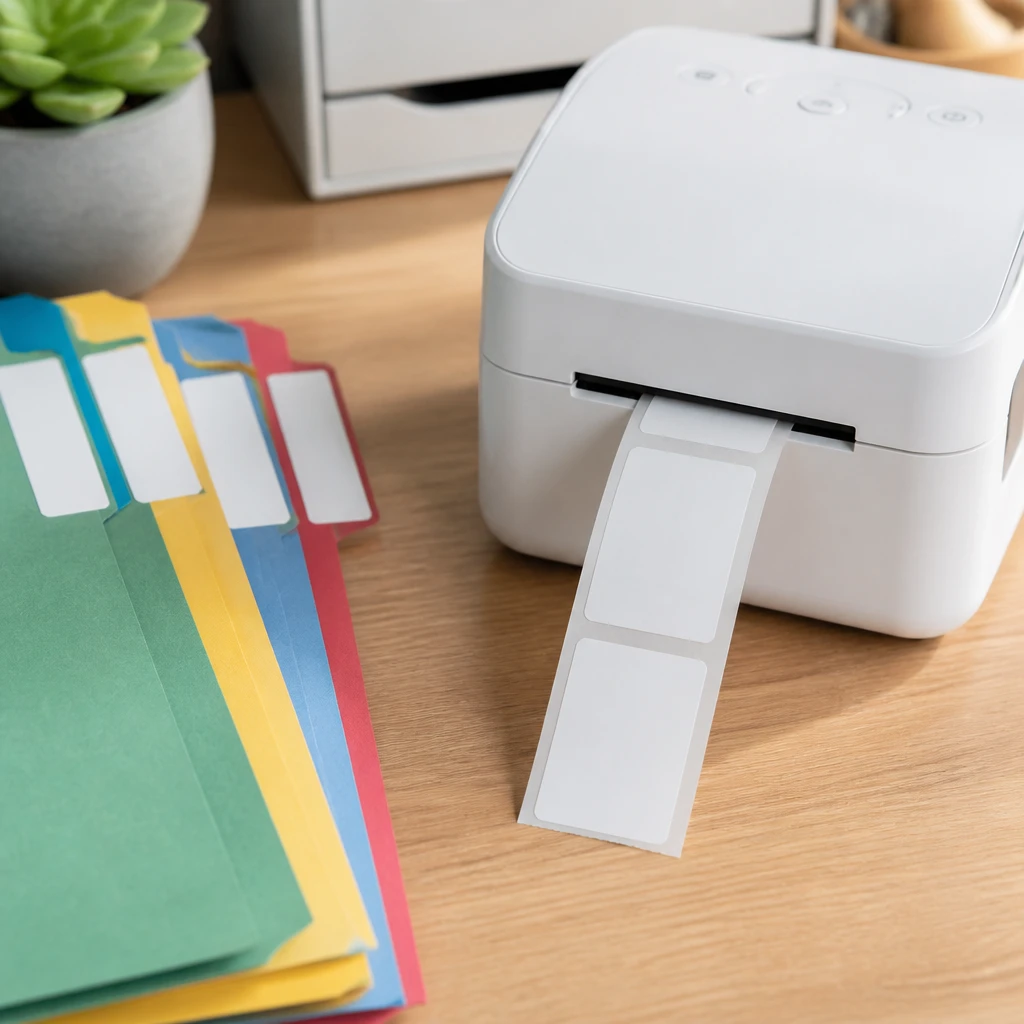
I make it a point to label every folder, box, and binder with precise descriptions. Clear labeling avoids any guesswork later and lets me quickly find what I need. Using a label maker helps me maintain neatness and consistency in my system.
Pro Tip: Use a label maker for crisp, uniform folder and box labels.
6. Implement a Weekly Filing Habit
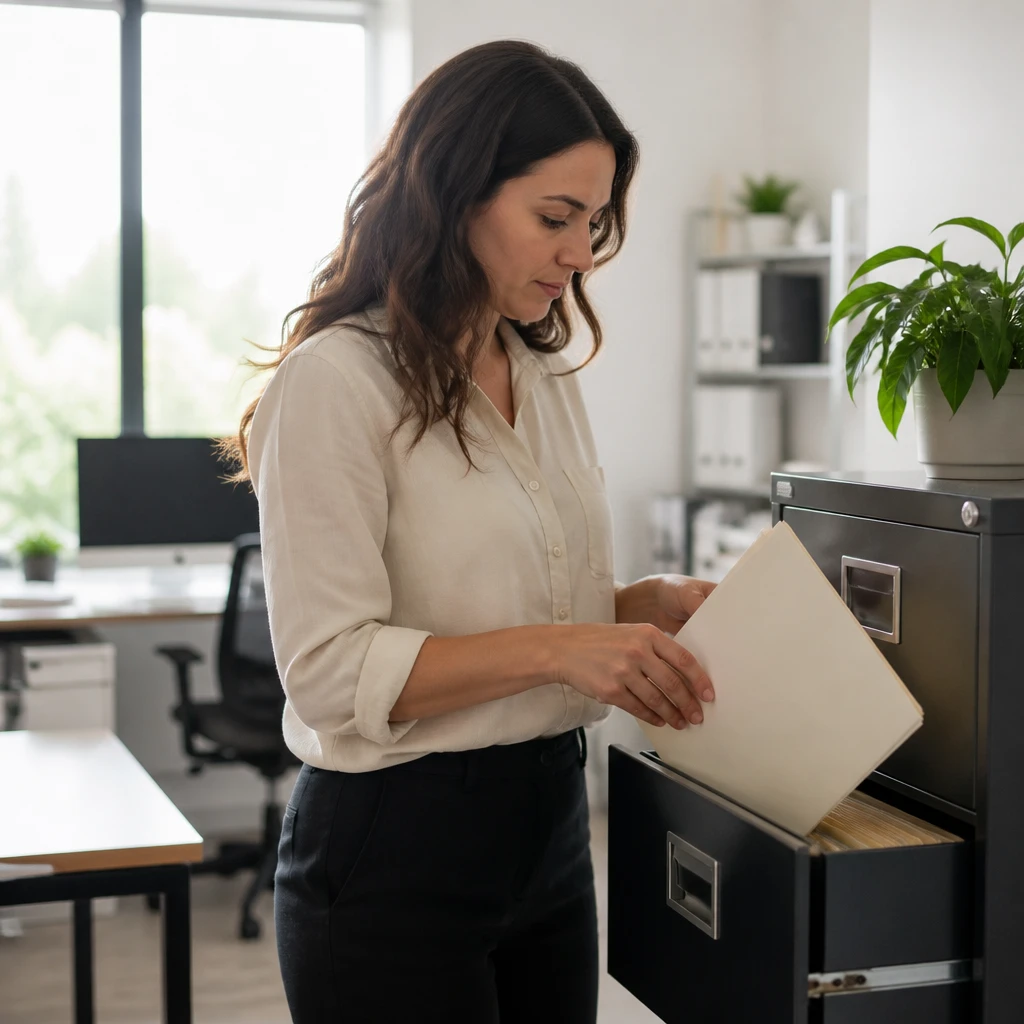
I set a recurring weekly time on my calendar to sort and file papers. This habit has prevented the buildup of piles and keeps my system functional. Even 15 minutes each week makes a huge difference in avoiding overwhelm.
Insight: I stick to weekly filing to prevent overwhelming backlogs.
7. Use Magazine Holders for Loose Papers
I repurpose magazine holders to keep loose or oversized papers organized upright on shelves. They save space and prevent papers from getting wrinkled or lost. This simple reuse solution is one of my favorites for quick-access storage.
Pro Tip: Repurpose magazine holders to organize loose papers easily.
8. Sort Papers by Urgency
When I first pick up new papers, I quickly divide them into urgent and non-urgent categories. Prioritizing helps me handle deadlines without panic. Using trays or labeled folders for this daily sorting keeps me on track consistently.
Pro Tip: Sort new papers by urgency to prioritize tasks quickly.
9. Use Binder Clips to Group Related Papers
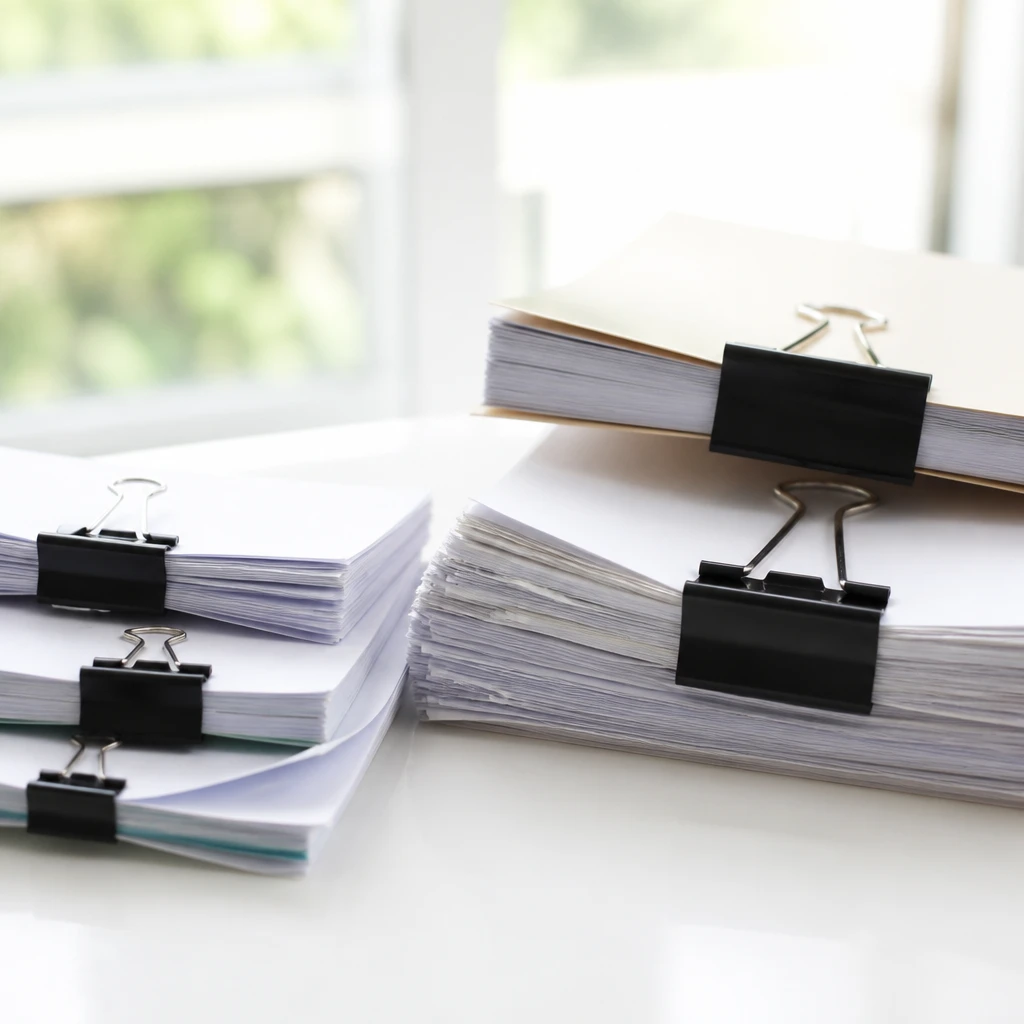
Binder clips keep related papers together and prevent them from scattering. I use different sizes depending on the stack thickness and label the clip if needed. This approach is especially handy for temporary organizing during projects.
Fact: Binder clips are a versatile and inexpensive paper organizing tool.
10. Invest in a Modular Desk Organizer
I purchased a modular desk organizer with compartments that I tailor to my paper types. This flexibility lets me rearrange sections based on current needs and keeps my workspace tidy. It also adds a sleek look that motivates me to maintain order.
Insight: Investing in flexible organizers boosts my paper management efficiency.
11. Use Accordion Folders for Mobile Organization
I keep an accordion folder in my bag to sort papers while on the go. It prevents crumpling and gives me instant order no matter where I am. This portable system works perfectly for bills, receipts, or meeting notes.
Pro Tip: Carry an accordion folder to organize papers while traveling.
12. Categorize Receipts by Date and Purpose
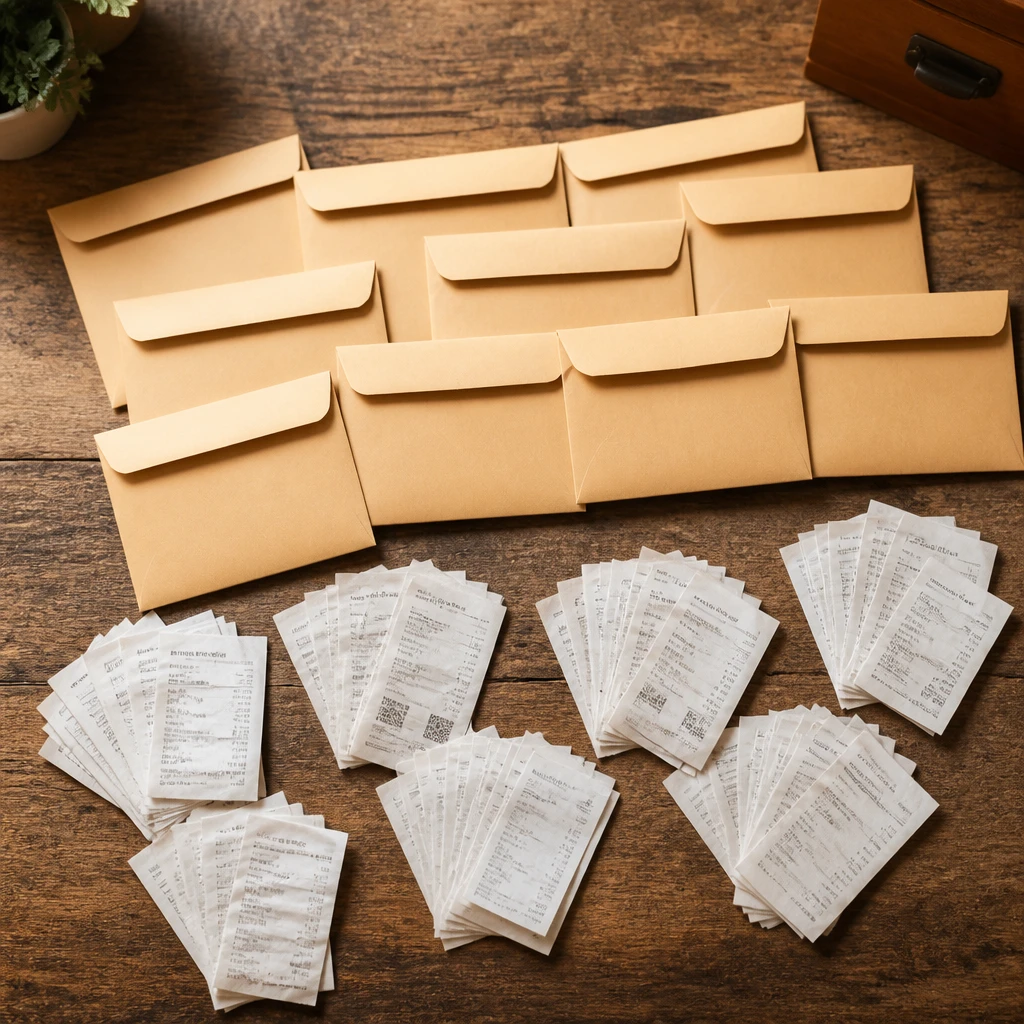
I organize my receipts by month and type, like business or personal expenses. Having this system helps me during tax season and budgeting reviews. I use small envelopes or dedicated folders marked with dates for quick access.
Insight: Organizing receipts by date eases my financial tracking and taxes.
13. Create a Paperwork Command Center
I set up a small corner dedicated solely to all paperwork essentials like folders, pens, and stamps. This command center allows me to tackle incoming paper effectively without searching for tools. Making it inviting encourages me to stay organized.
Pro Tip: Designate a paperwork command center for efficient sorting and processing.
14. Use Digital Calendars for Paper Reminders
I transfer important paper deadlines manually or via apps into my digital calendar. This ensures I never miss due dates even if papers get misplaced momentarily. Combining physical and digital helps me maintain full control.
Fact: Digital calendars improve paper deadline management and reduce stress.
15. Store Sentimental Papers in a Memory Box
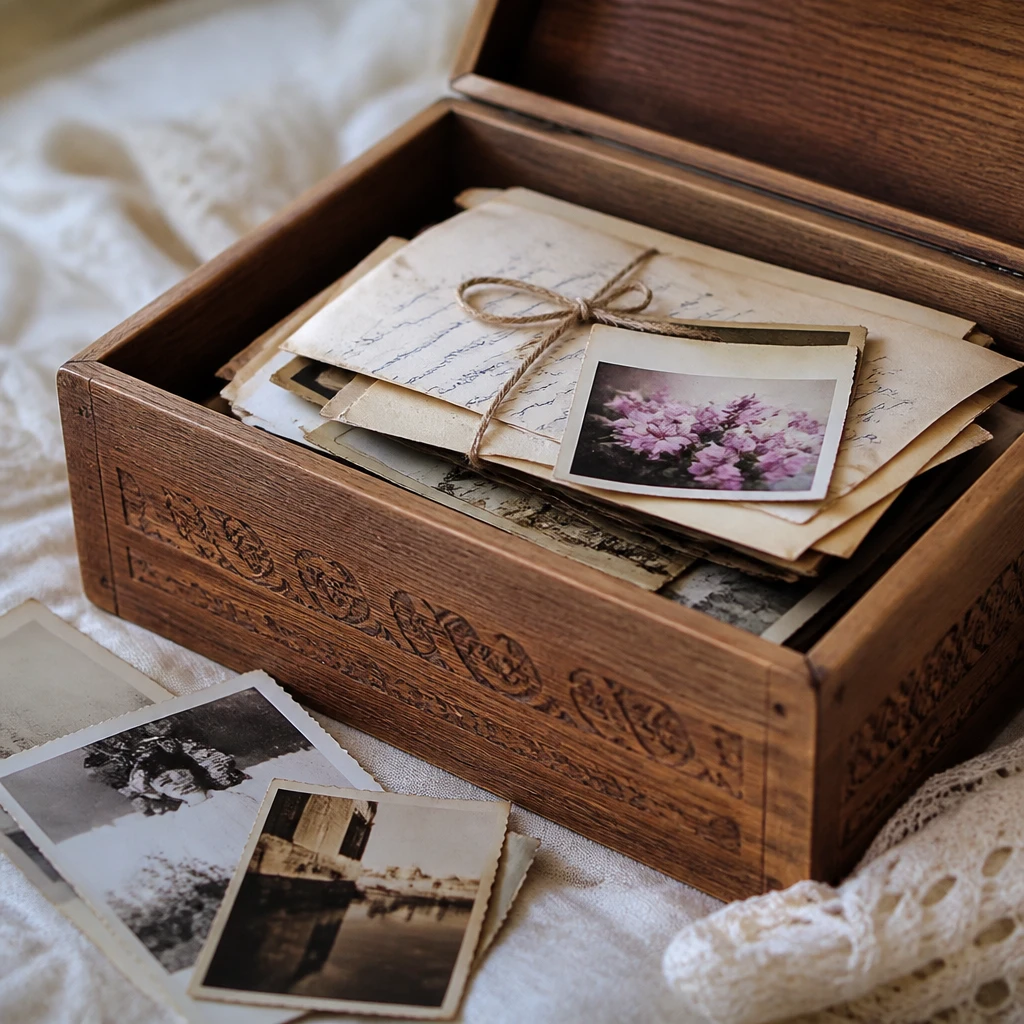
Instead of letting sentimental papers pile everywhere, I keep a memory box to curate them. This limits clutter and keeps precious documents safe. I revisit the box annually to declutter and preserve only what really matters.
Insight: A memory box helps me cherish keepsakes without creating clutter.
16. File Manuals and Warranties Together
I gather all product manuals and warranties in one labeled binder. This makes locating information fast when I need to troubleshoot or claim repairs. Regularly updating this binder keeps it relevant and clutter-free.
Pro Tip: Group manuals and warranties in one binder for easy reference.
17. Use a Shredder for Unnecessary Papers
I invest in a small home shredder to instantly destroy sensitive documents I no longer need. This prevents identity theft risk while chopping down on paper volume. Having it easily accessible encourages me to shred regularly.
Fact: Shredding sensitive papers protects your personal information.
18. Label Digital Scans Like Physical Files
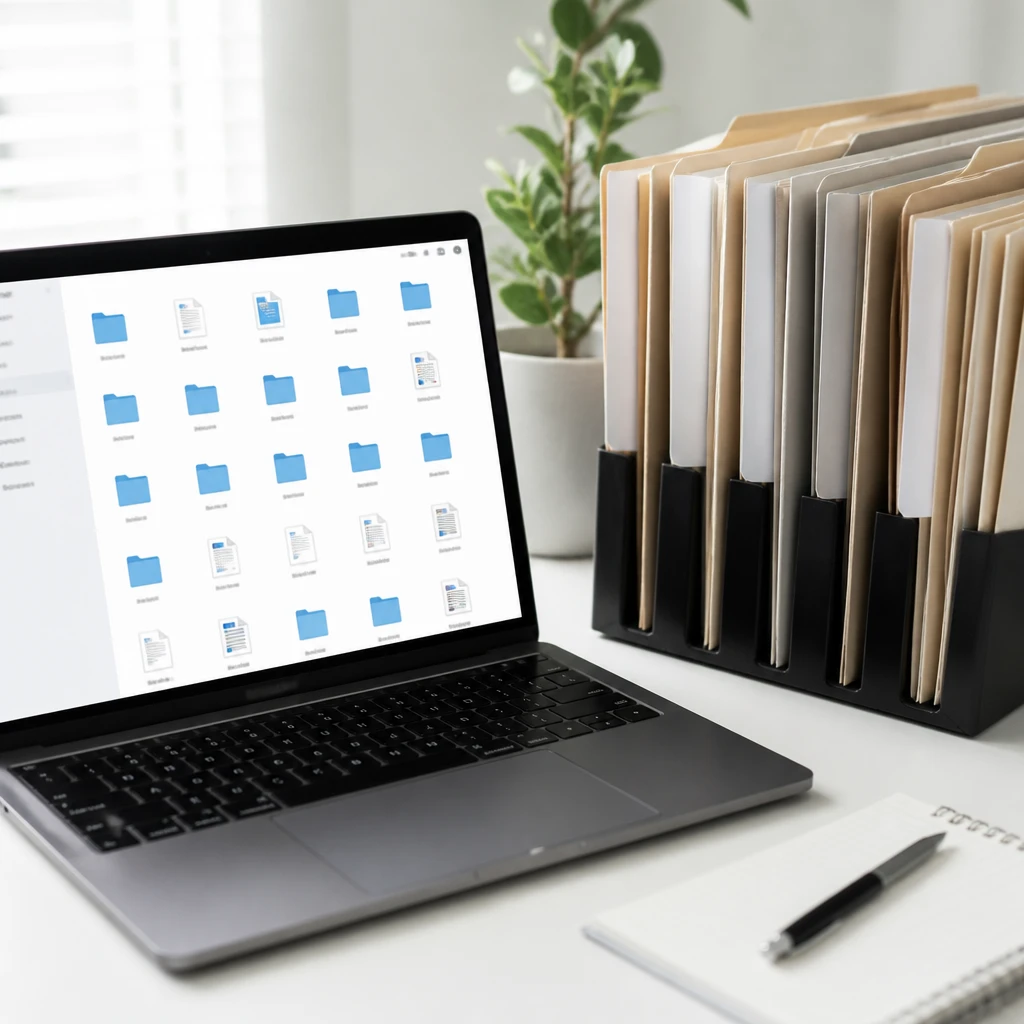
I use the same naming system for digital scans as my physical folders to maintain consistency. This sync simplifies finding documents regardless of where they live. Taking time upfront to create intuitive file names pays off daily.
Insight: Consistent labeling across paper and digital files enhances organization.
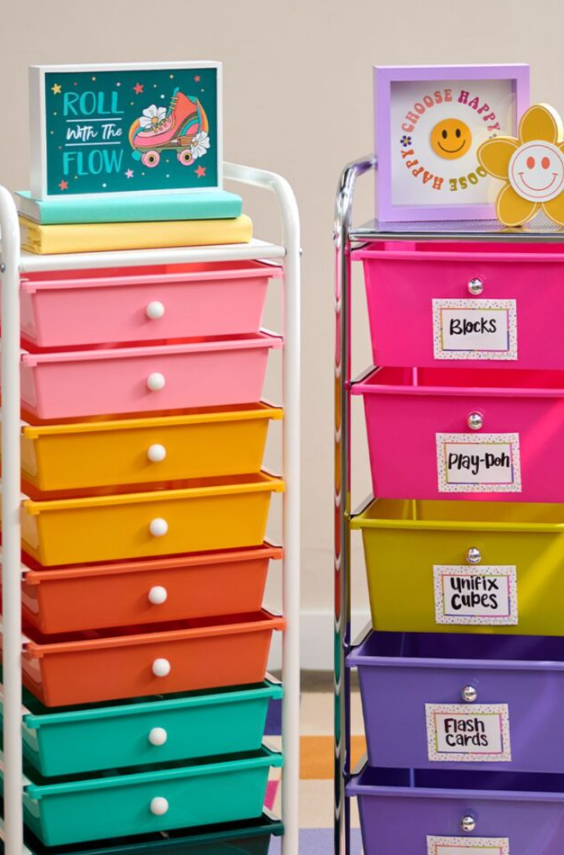
19. Use a Rolling Cart for Paper Overflow
When my paper volume grows, I use a rolling cart with drawers for overflow storage. It keeps papers close but off my desk surface. On wheels, it’s easy to move around so I can sort wherever I’m working.
Pro Tip: Use a rolling cart to store and transport excess papers easily.
20. Avoid Keeping Papers Without Purpose
I’ve learned to ask myself if a paper serves a purpose before filing or storing it. If it’s outdated or irrelevant, I recycle immediately. This critical habit keeps my system lean and meaningful.
Insight: Question every paper’s value before deciding to keep it.
21. Use Clipboards for Active Projects
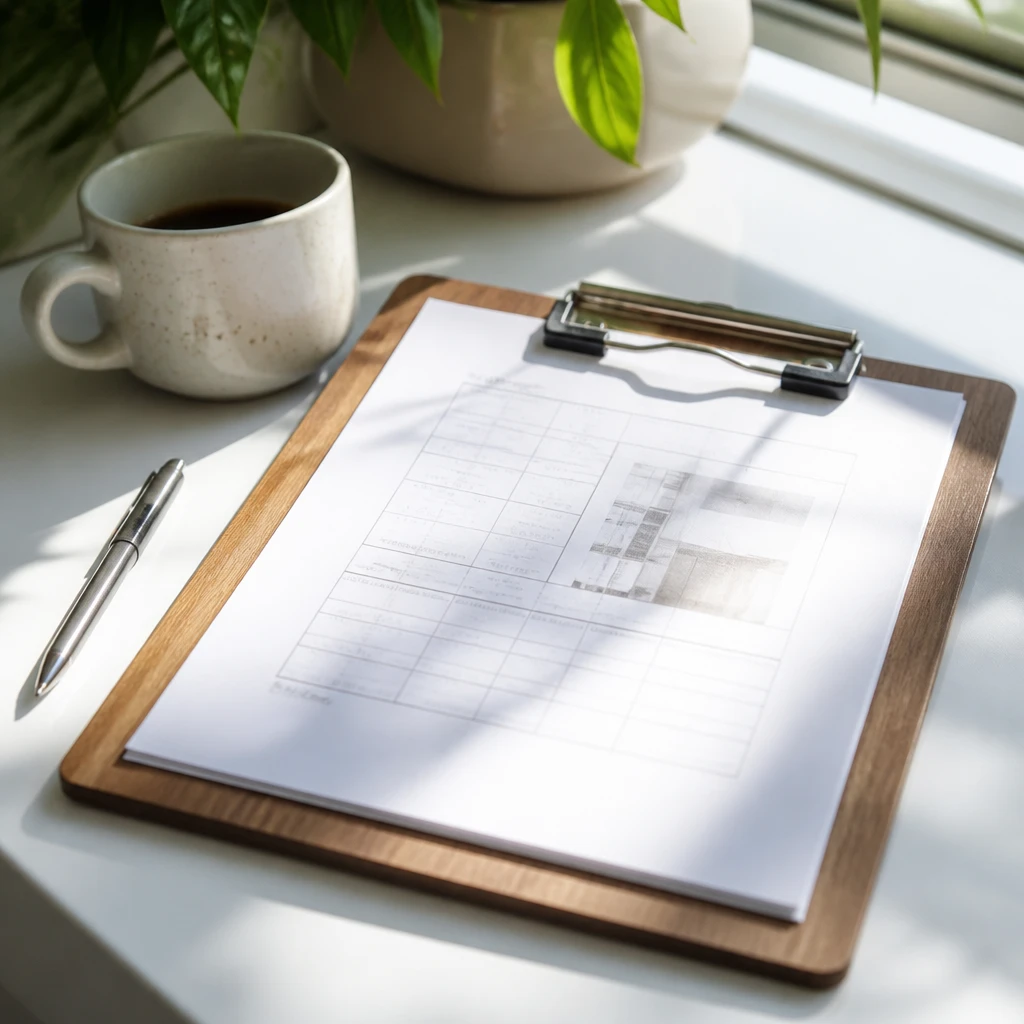
I keep clipboards handy for ongoing project papers that I reference frequently. This portable system groups current documents neatly and allows me to jot notes without mixing with other files. Clipboards help me stay focused on priorities.
Pro Tip: Use clipboards to organize and access active project papers quickly.
22. Create Subfolders for Large Categories
Within broad categories like taxes or insurance, I break papers down into specific subfolders. This granular structure helps me find items faster and prevents overstuffing folders. I label subfolders clearly to maintain order.
Pro Tip: Break large categories into subfolders for better file management.
23. Maintain a Declutter Basket
I keep a small basket where I toss papers I’m not sure about. Weekly, I review this basket and decide to keep, digitize, or recycle each one. This method stopped me from hoarding unnecessary documents impulsively.
Insight: A declutter basket helps me make thoughtful paper-keeping decisions.
24. Incorporate Wall Organizers
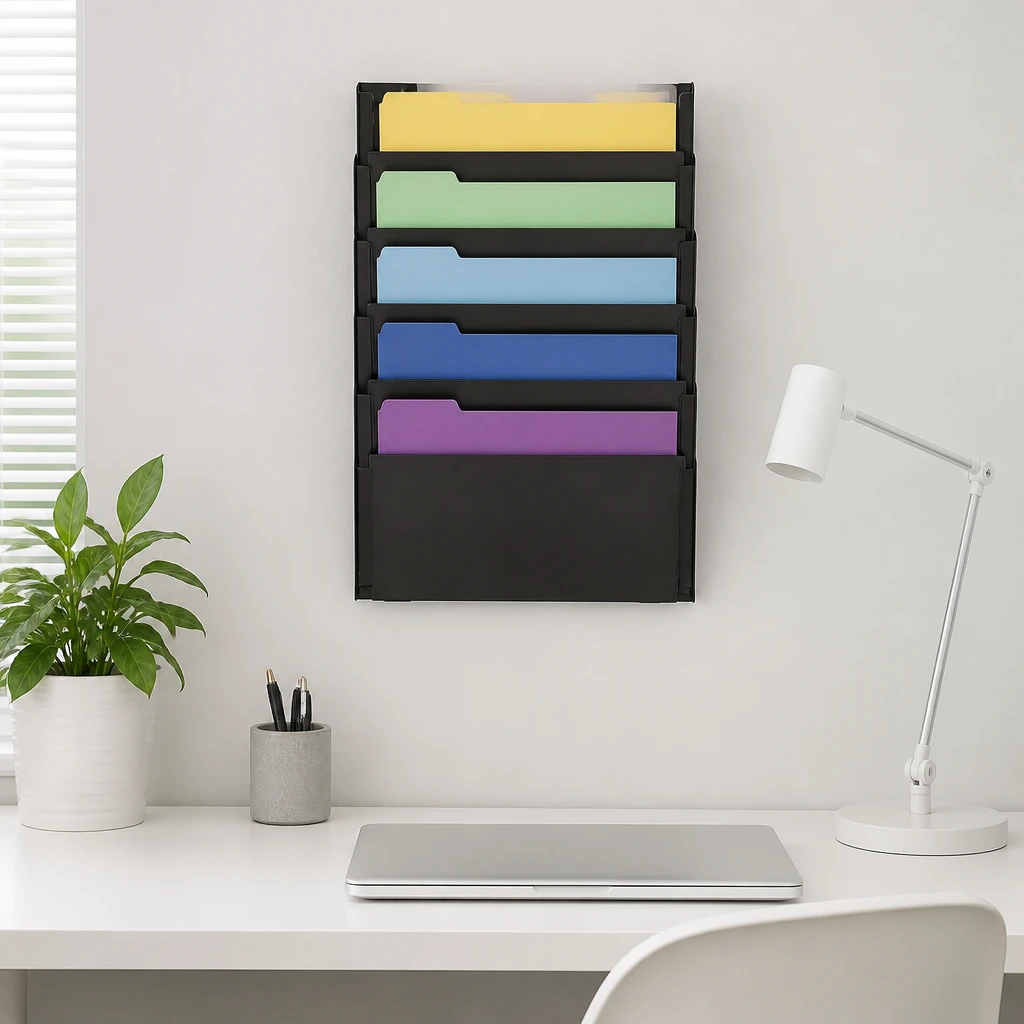
I use wall-mounted file organizers near my desk to hold active papers and mail. Elevating papers off my desk reduces clutter and keeps important items visible. It also saves valuable surface space in my small office.
Pro Tip: Mount wall file organizers to keep papers accessible yet off the desk.
25. Recycle Paper Regularly
I schedule regular recycling days to clear out outdated or junk papers. This routine keeps paper buildup at bay and supports eco-friendly habits. I find it less overwhelming to recycle frequently rather than all at once.
Fact: Regular recycling prevents paper piles and benefits the environment.
FAQs ( Frequently Asked Questions )
Conclusion
Implementing these 25 simple paper organization ideas has truly transformed how I manage my space and time. I encourage you to try the techniques that resonate most and develop a system that works for your lifestyle. Staying organized with paper doesn’t have to be hard when you have the right tools and habits.