Easiest Way to Make Jeopardy Game DIY
I’ve always loved hosting game nights, and making my own Jeopardy game has become a fun tradition. It’s easier than you might think and adds an exciting twist to any gathering. I’m excited to share the simplest way I’ve found to create a DIY Jeopardy game that’s both interactive and customizable.
Key Takeaways
- Use simple materials like poster boards and cardstock to build your game board.
- Prepare questions ahead and categorize them by difficulty and topic for smooth gameplay.
- Consider using a PowerPoint or Google Slides template if you prefer a digital version.
- Set clear rules and a buzzer system for an authentic Jeopardy experience.
- Customize clues with visuals or sounds to keep players engaged and entertained.
1. Choosing Your Game Format
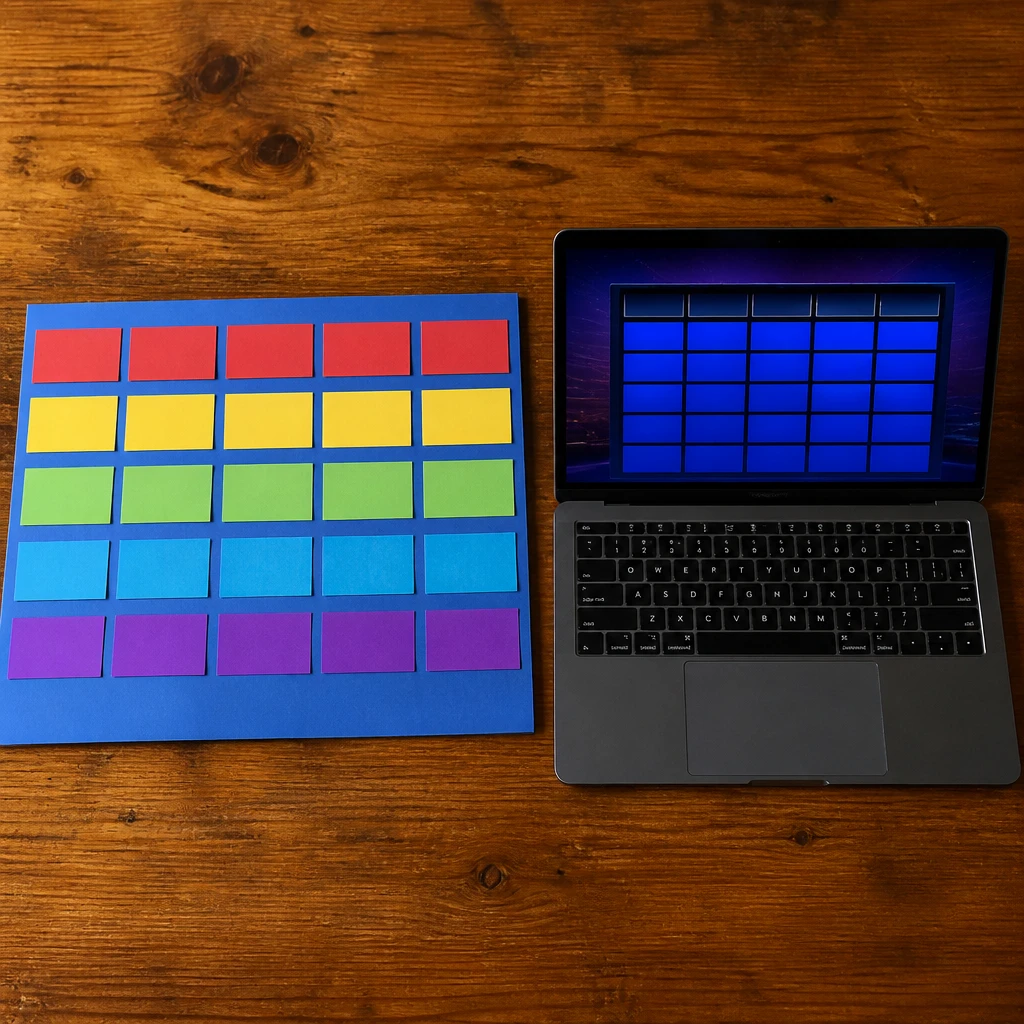
I always start by deciding whether I want a physical board or a digital one. For beginners, I recommend a physical format because it feels more tangible and festive. However, if you have tech savvy or prefer a screen-based game, digital templates simplify the process.
Pro Tip: Decide early if your game will be physical or digital to guide your materials and setup.
2. Gathering Materials for a Physical Board
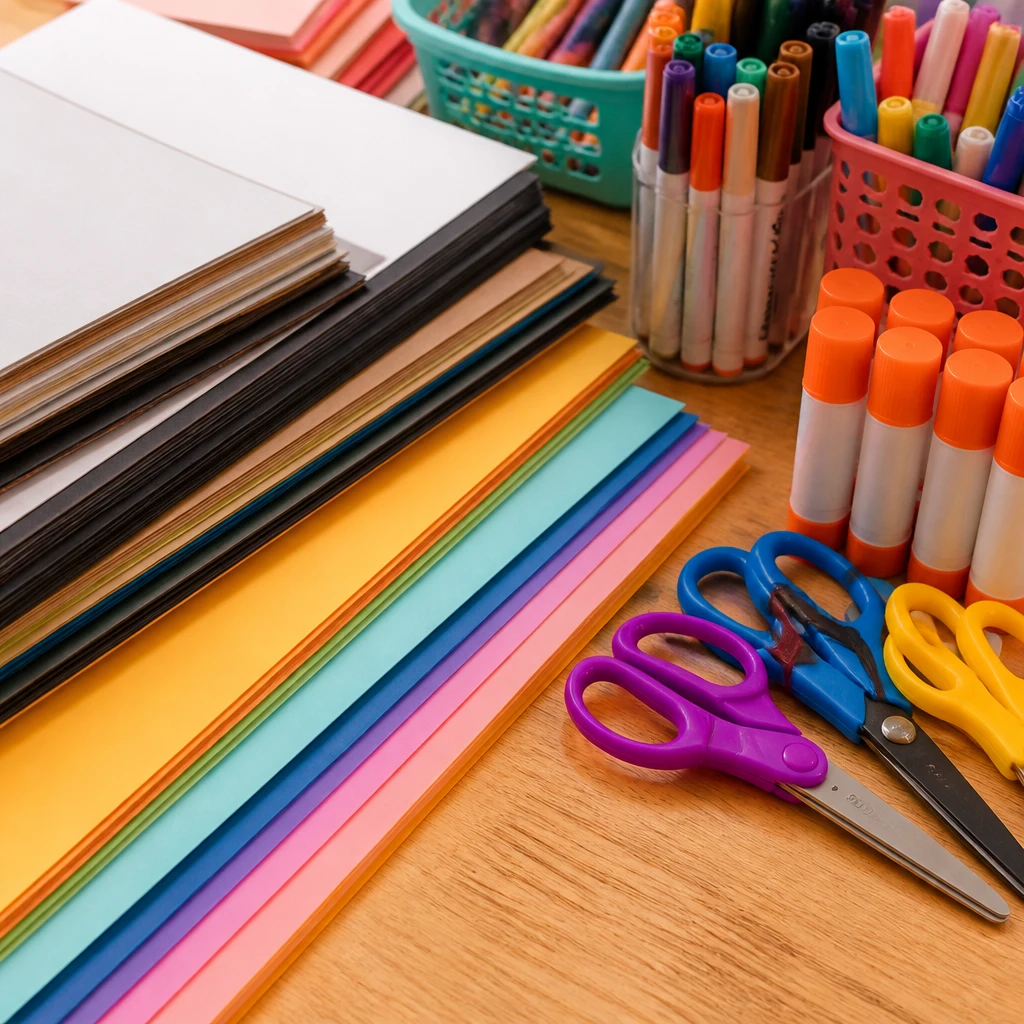
I usually use sturdy poster boards, colorful cardstock, markers, and sticky notes for my physical boards. These materials are affordable and easy to handle, and I can customize colors and textures to match my theme. Having everything ready on one table helps keep my workspace organized and efficient.
Pro Tip: Use bright cardstock and markers to make your board visually appealing and readable from a distance.
3. Creating Categories and Questions

I dedicate time upfront to think about engaging categories and a mix of easy to hard questions. Categorizing questions by topic keeps the game balanced and fun for all players. I use a spreadsheet to organize the clues and their values, helping me avoid repeats or imbalance.
Insight: I find that thoughtfully themed categories keep players more invested throughout the game.
4. Designing the Game Board Layout
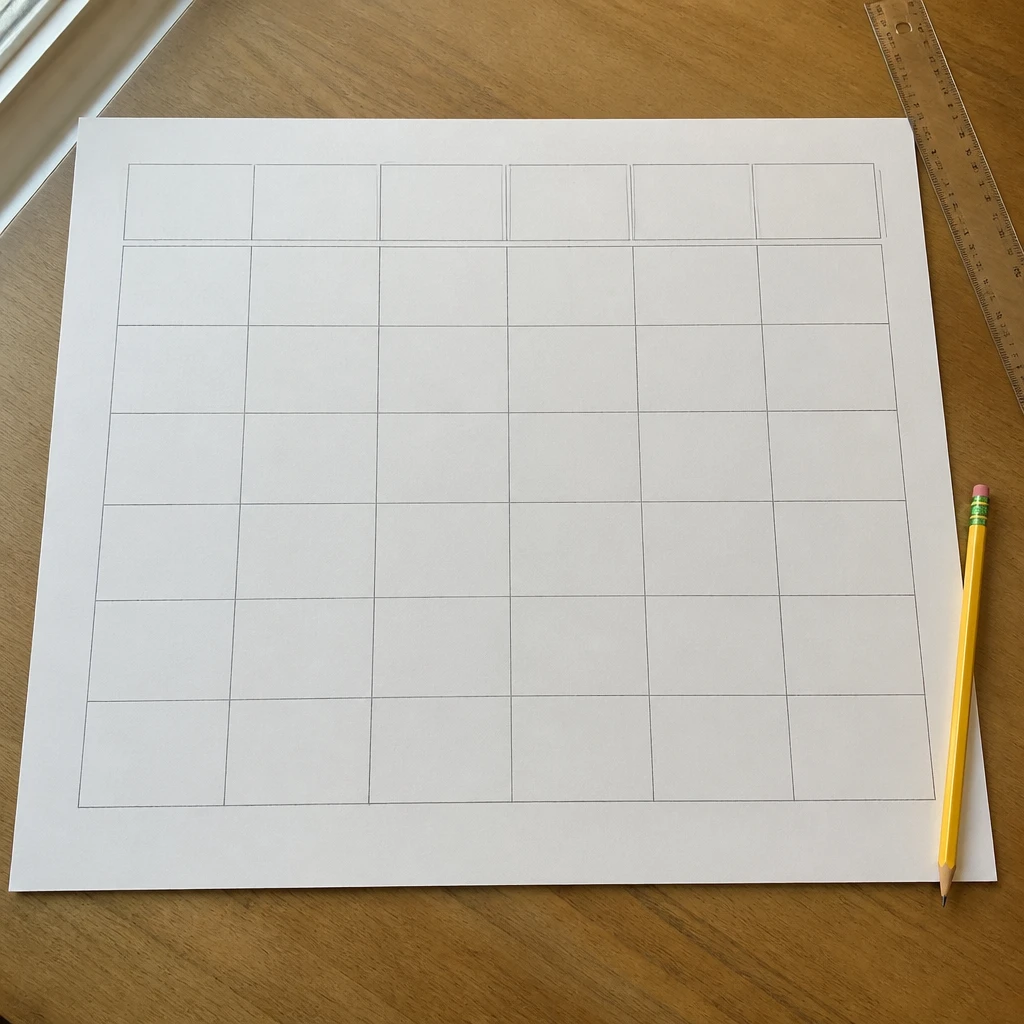
When designing the layout, I plan for five categories and five clues each, just like the TV show. I sketch a grid on my poster board where I’ll place the question cards or sticky notes. This structured approach makes it easy to swap out clues if needed during the game.
Pro Tip: Sketch your grid lightly in pencil first to adjust spacing before finalizing your game board.
5. Printing and Preparing Question Cards
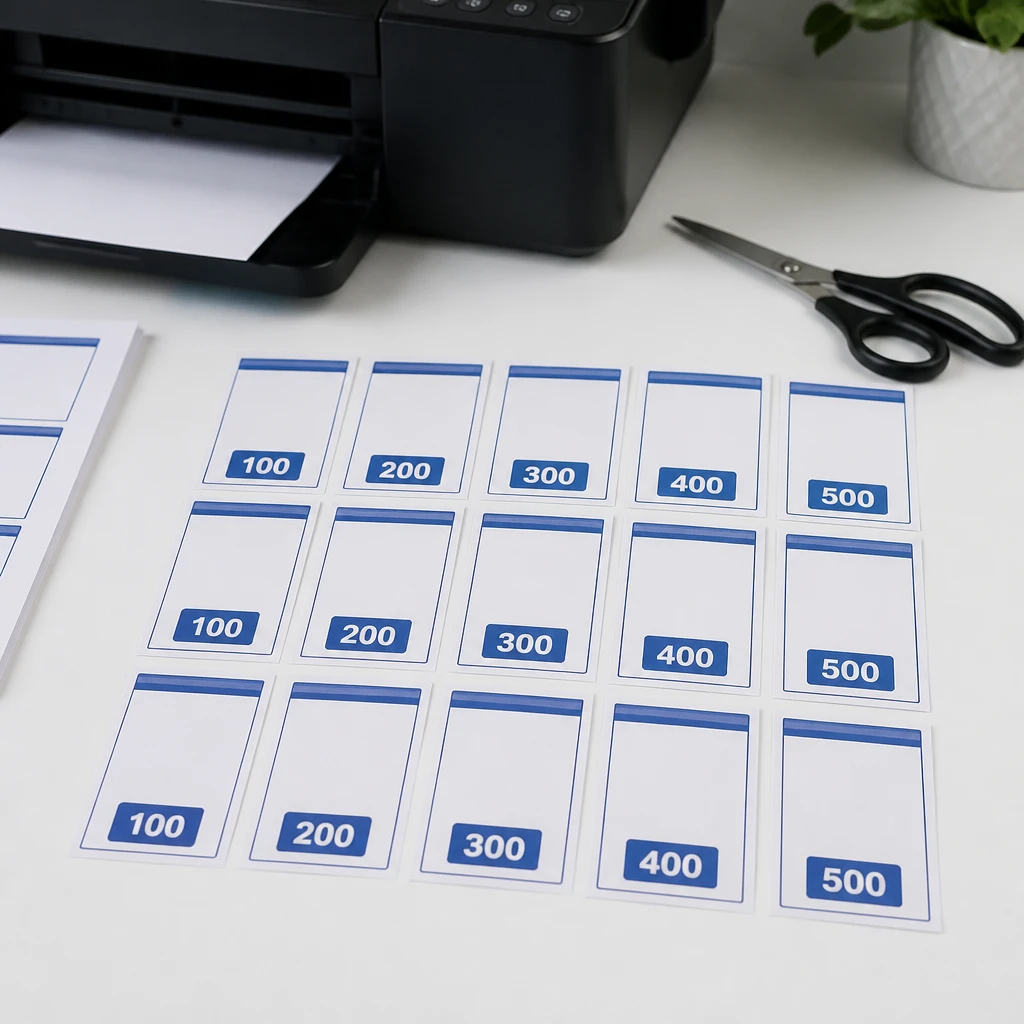
I prefer printing my question cards on cardstock because they’re sturdy and easy to read. Once printed, I cut them evenly and write clue values clearly on the front. I also keep an answer key on a separate sheet to quickly check responses during gameplay.
Fact: Printing on cardstock enhances durability and provides a professional feel to your game.
6. Setting Up the Game Space
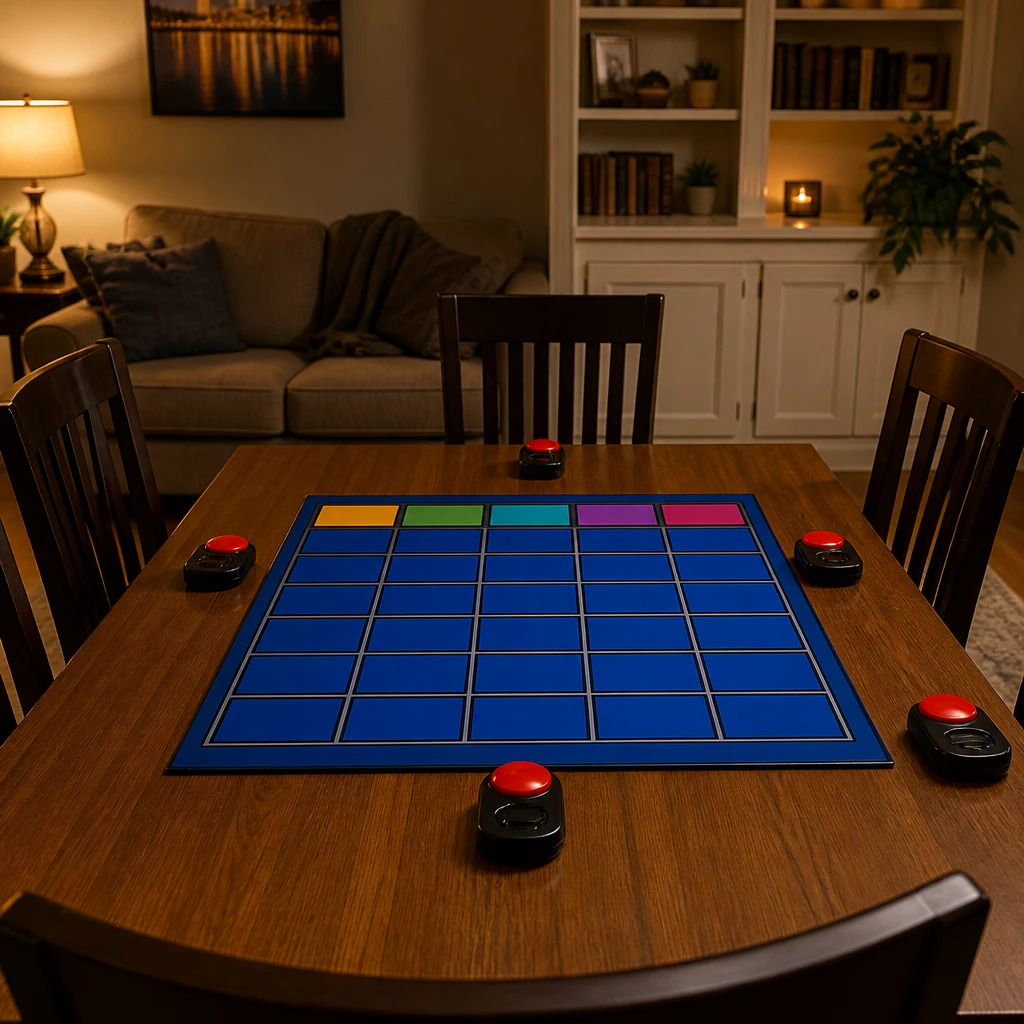
I arrange the game board prominently so all players can see it clearly, placing buzzers or bells within easy reach for contestants. I make sure the seating allows everyone a good view and space to write down answers if needed. A tidy, well-lit area really improves the overall vibe and keeps players engaged.
Pro Tip: Position your game board where all participants have an unobstructed view to maintain excitement.
7. Introducing a Buzzer System
I always add a buzzer system for an authentic Jeopardy feel—it’s easy to create with simple handheld buzzers or even apps on phones. Timing is crucial, so I explain the rules clearly before starting. This element brings competition and fun pacing to the game.
Pro Tip: Incorporate a buzzer and timing rules to mimic Jeopardy’s real competitive dynamic.
8. Using Digital Tools for a Virtual Game
For virtual game nights, I use Google Slides or PowerPoint templates to build an interactive board. I hyperlink each clue to a slide with the question, which is simple to click through during play. This approach works great for remote gatherings and can be shared easily with friends.
Insight: I’ve noticed digital boards keep remote players more connected and excited than simple video calls.
9. Incorporating Visuals and Sound Effects
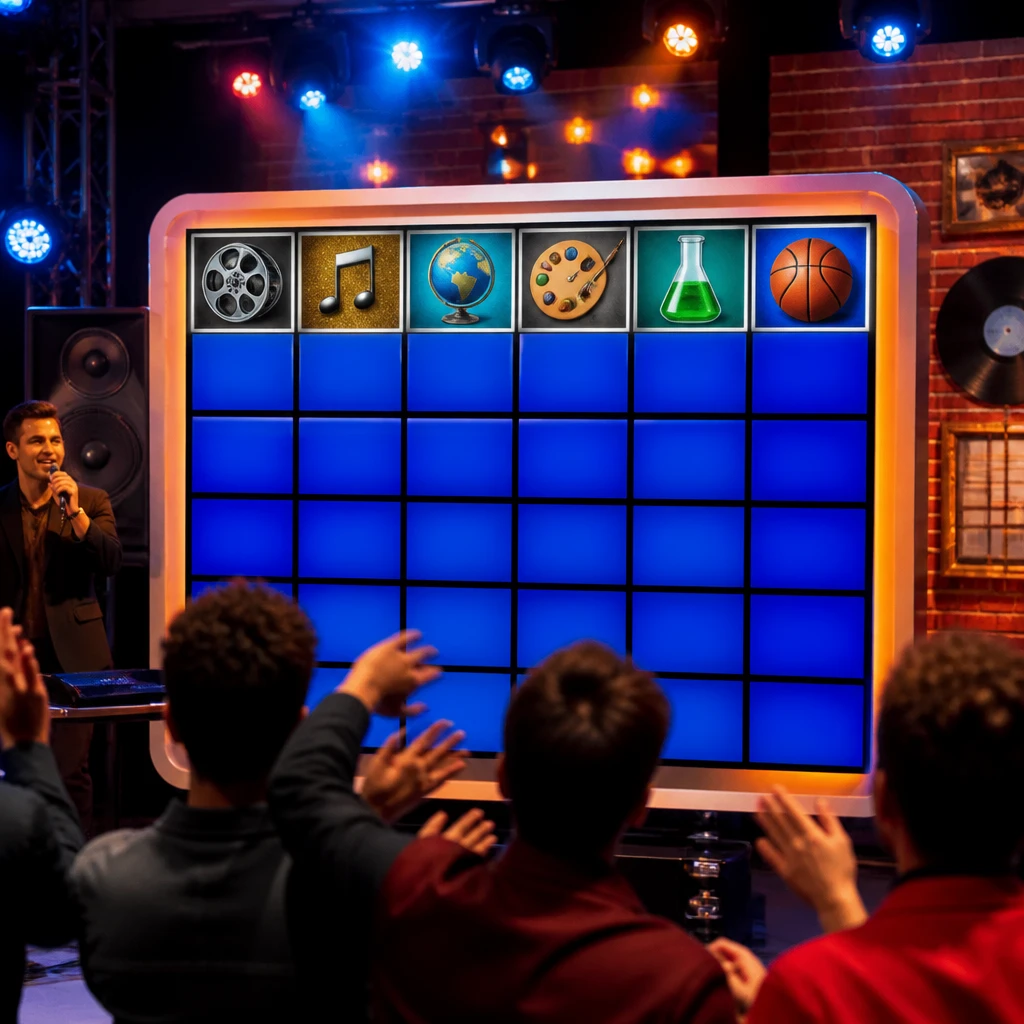
I like adding photos or icons related to each category on the board to increase visual interest. Sound effects like the Jeopardy theme or buzzer noises add energy and authenticity. I find these extras make the game more engaging and memorable for everyone.
Pro Tip: Add themed visuals and sounds to boost player engagement and atmosphere.
10. Keeping Score and Declaring Winners
I track scores on a whiteboard or notebook so everyone can see the progress clearly. I update points after each round to maintain excitement and transparency. Declaring the winner with a small prize always adds a nice finishing touch to the game night.
Pro Tip: Use a visible score tracker to keep players motivated and aware of standings.
Conclusion
Making a DIY Jeopardy game can be a fun project that brings friends and family together in a new way. I’ve found that with some simple supplies and planning, you can create a memorable experience for any occasion. I encourage you to try it yourself and enjoy the lively competition and shared laughs.